Last summer a friend suggested that I learn about React. My reaction? Where has this been all my life? React is a JavaScript library that makes web development more intuitive and faster. At least in theory. I’ve spent all my free evenings and weekends the last 6 months rewriting the Learn By Rainbow codebase into React. I’m sure tomorrow the new features will practically write themselves. In all seriousness though, it’s been fun and while I’ve worked really long and hard for what will look to everyone else like an “Art Upgrade”, I think the new code will be significantly more stable and less buggy.
My daughter is itching to record a new “How-To” video, so stay tuned for that.
Major changes:
- You can collapse the keyboard to hide it while typing if you are an experienced keyboardist who doesn’t need it.
- Sidebar lets you see the accent mark shortcuts if you need them.
- Top pane lets you access/change your user record and navigate to between Learn By Rainbow apps: Typing Flashcards (the main application), Legacy DigiFlash (the pre-upgraded version in case you need it), Sound Tiles (colorful squares you drag around for certain phonemic awareness activities), and Rainbow Board (just a boring place to type colorful words).
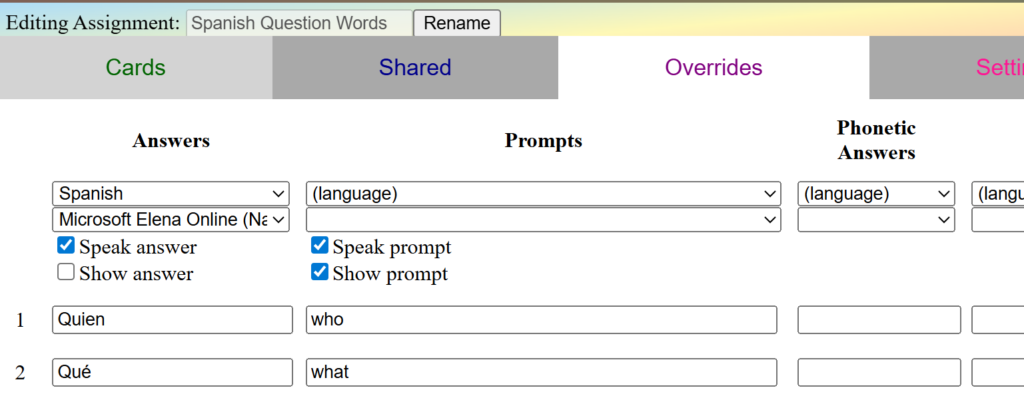
- Flashcard Assignment Editor now lets you delete single rows and move rows up and down.
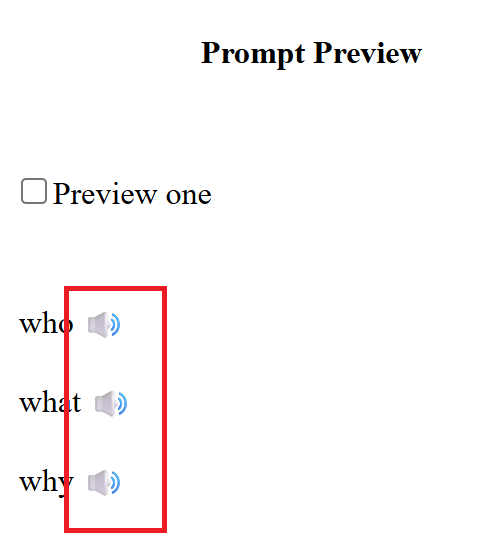
- Click the microphone button to view fields for phonetic overrides as needed.
- If you use the “speak letter names while typing” features and mark your assignment as being in a foreign language, the letter names will be spoken in that language.
- There are now settings in your user record and in the assignment to ignore/require correct accent marks when typing.
New Bugs / Lost Features
- The balloons are gone, replaced with colorful highlighting of the letters. I’m still working on replacement graphics.
- C and G no longer “soften” in their spoken sounds when you type an E, I, or Y after them. I forgot, but my daughter is ON MY CASE to fix this.
- There is no longer a feature when every letter is checked as you type but you must backspace your mistakes yourself. Instead, I have disabled the backspace key when each letter is checked as you go, so if you accidently hit backspace when you hear the mistake sound, it doesn’t do anything.
- Probably lots of other issues we haven’t noticed yet… let me know what you notice.
Coming soon
- I’m working on a couple new apps that revolve around the CMU Pronouncing Dictionary, which is a cool open-source machine-readable pronunciation dictionary.
- View your own prior flashcard stats to see how you’ve been improving over time.
- Some gamification of the flashcard app, particularly around tricky spellings of English words, making use of CMU Pronunciation Dictionary.
- Assignment groupings and tracked assignments. In particular, I’m working on a “Type By Rainbow” track that will introduce the keyboard section by section while teaching high frequency words using those letters and introduce relevant phonics concepts.
- Cumulative Review feature that will generate review assignments on the fly with your own commonly missed words.
- And my husband thought I was almost done being busy with this… he is a very funny man…